 Seramel Open the app
 An AI journal that writes back, and remembers what you wrote
An AI journal is a journaling app where an AI reads what you write and responds: it asks questions, notices patterns and helps you make sense of your entries. Unlike a blank page, it writes back. Seramel works like this: you tell one moment from your day, it asks a few short questions, remembers your earlier entries and names what keeps repeating, in your own words.

What is an AI journal?
A traditional journal is a place to put things down. That's valuable, but it's one-way: the page never asks a question, never notices that you've written the same thing four Sundays in a row, and never reminds you of what you planned to try.
An AI journal adds the other half. You write, or talk, about what happened, and the AI responds. Depending on the app, it might:
- Ask a follow-up question to help you get to the specific moment.
- Reflect back what it noticed in your entry.
- Remember earlier entries and connect them.
- Track your mood over time.
- Suggest something small to try next.
The point isn't for the AI to tell you who you are. It's to make journaling a conversation rather than a monologue, so the things you write lead somewhere.
Why a journal that writes back helps some people
Lots of people want to journal and can't keep it up. The usual reasons:
- The blank page. After a long day, “write about your feelings” is too open. A single concrete question, like “what was the moment today that stuck with you?”, is much easier to answer.
- Writing in circles. Entries can turn into the same vague complaint, which feels like release but doesn't change anything.
- Nobody connects the dots. You might write about your manager in March and your mum in May and never notice they're the same loop: someone criticizes → “I'm not good enough” → you overwork.
- No follow-through. You decide to try something and forget by the weekend.
A journal that writes back helps with each of these. It asks the next question, keeps you on one real moment, remembers what you said before and asks later whether you tried what you planned. For people who journal happily on paper, that may not be needed. For everyone who has abandoned three notebooks, it often is.
AI journal vs mood tracker app vs paper journal
They're good at different things:
- Paper journal: private, offline, no screen before bed, wonderful for people who like writing longhand. But it can't ask questions or remember connections for you.
- Mood tracker app: quick daily ratings, charts, reminders. Great for seeing trends, like dips on Sunday evenings or after poor sleep. But a number doesn't tell you why, and most mood trackers don't help you change anything.
- AI journal: asks questions, remembers, connects entries, suggests next steps. It takes a bit more time per day than tapping a mood face, and you need to trust how your data is handled.
Many people combine them: a quick mood check-in every day and a fuller reflection a few times a week. Seramel includes both: a daily mood check-in and a journal, alongside conversations that look at one moment in detail. If you prefer prompts for paper journaling, start with these journal prompts for self discovery.
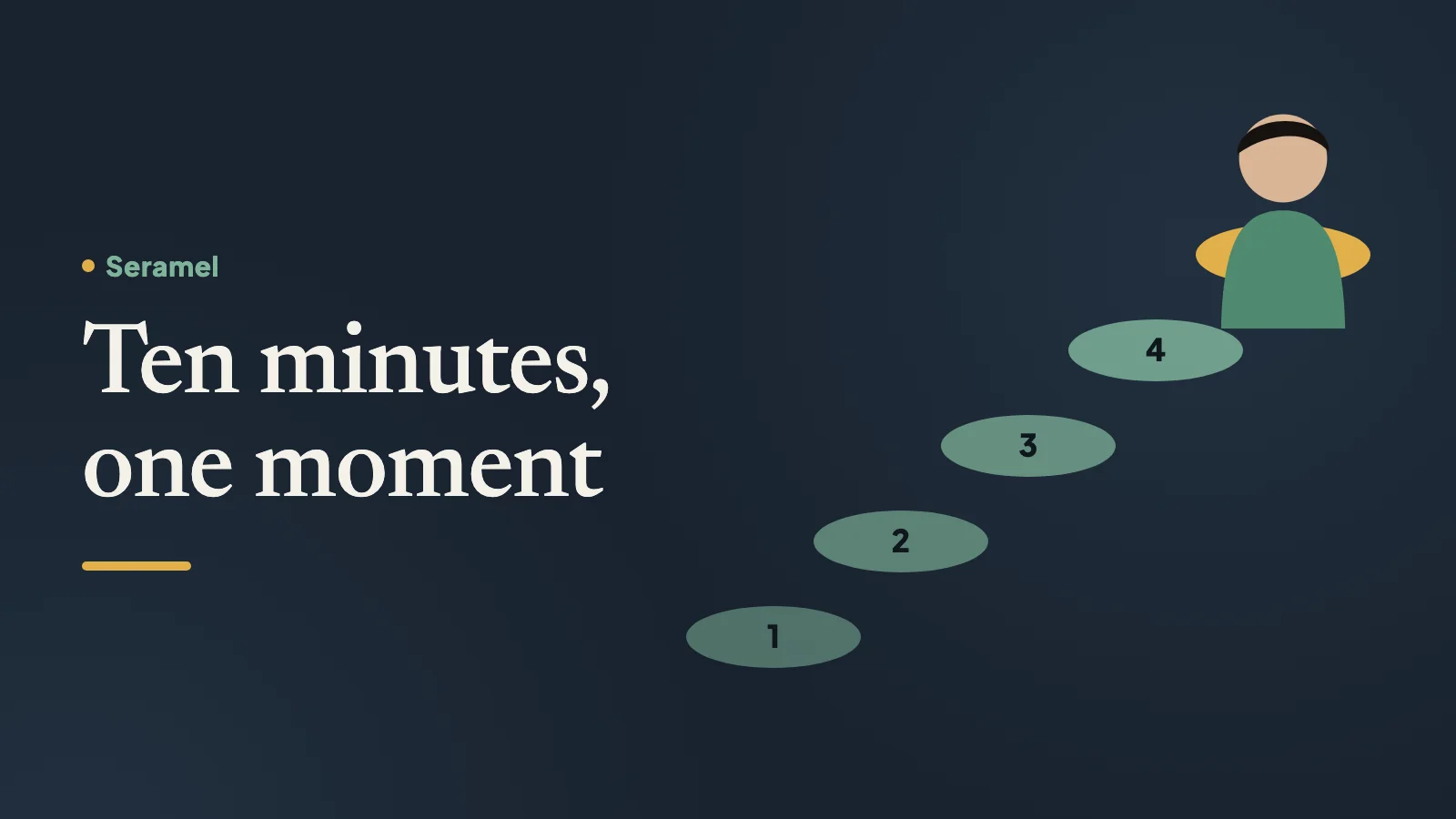
How to journal with an AI: a 10-minute routine
A simple routine that works whether you use Seramel or another app:
- Pick one moment, not the whole day. The text from your sister, the silence after you suggested something in the meeting, the moment you snapped at your kid.
- Describe it like a scene. Where you were, who was there, what was said. Facts first.
- Write the sentence that went through your head. Even if it sounds dramatic: “here we go again”, “they don't respect me”.
- Write what you did next. Said nothing, apologized, ate, scrolled, left early.
- Answer the AI's question honestly, even if it's short.
- Notice if it connects to an earlier entry. Ask yourself: when did this happen before?
- End with one small thing to try in the next day or two, and what you expect will happen.
Ten minutes, a few times a week, is plenty. Long entries aren't better entries.
What to look for in an AI journal app
If you're comparing AI journal apps, a few questions matter more than features:
- Does it remember, and can you see what it remembers? An AI that recalls things without showing you what it has stored can feel unsettling. Look for a page listing what it knows, with the option to delete.
- Is your writing used to train AI models? It should not be, and the app should say so plainly.
- How long is your text kept, and where? Look for clear retention periods and data deletion when you close your account.
- Does it flatter you or help you? Constant praise feels nice and teaches you nothing. Short, honest questions are more useful.
- What does it do in a crisis? A responsible app points you to real people and emergency numbers, rather than trying to handle it alone.
- Is it honest about what it isn't? A journaling app is not a clinical service and shouldn't pretend to be.
- Can you try it free? You should be able to see if it suits you before paying.
Privacy: what happens to what you write
Journal entries are some of the most personal things you'll ever type, so here's exactly how Seramel handles them:
- You don't need your real name.
- What you write is processed by Google Gemini to generate replies. It is never used for training and never sold.
- Conversation text is deleted after 90 days. What Seramel remembers about you is listed line by line, and you can delete any line or mark a topic “don't bring this up”.
- Servers are in Europe.
- Deleting your account deletes everything.
More detail is on the privacy page.
How Seramel works as an AI journal
Seramel is an AI you can talk to that remembers you. Think of it as a journal that asks good questions.
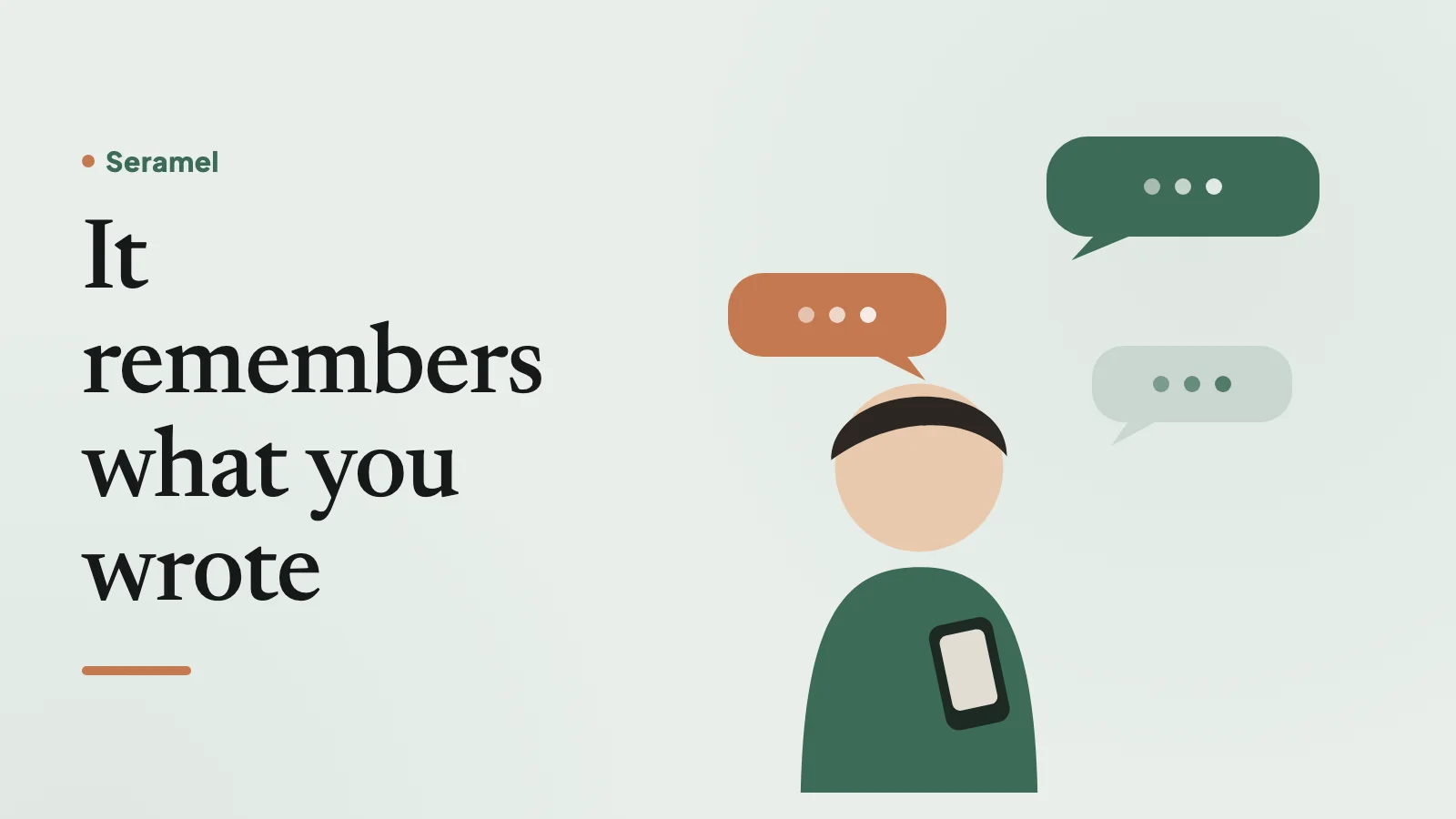
Each conversation takes about ten minutes. You tell one moment from your day. Seramel asks short, concrete questions to get to the scene. When a similar moment from another entry sits next to it, it names the loop in your own words: what triggers it, the sentence in your head, what you do, and what keeps it going. Then it offers one small step to try in a day or two. Next time it asks how it went and puts what you expected next to what happened.
Around the conversations there's a daily mood check-in, a journal for quick notes, a map of your loops, and gentle reminders for your step. If you mostly want to get something off your chest without analysis, that's fine too; see how to talk to AI about your feelings.
The first 8 conversations are free, no card. It's a web app today; iOS and Android versions are on the way.
How a conversation starts
Want to talk it through?
One moment from today, about 10 minutes. 8 conversations free; no card, no real name.
Start your first conversation →Questions
What is the best AI journal app?
It depends on what you want. If you mostly want to write privately, a paper journal or a simple notes app may be best. If you want a journal that asks questions, remembers past entries and helps you spot repeating patterns, an AI journal like Seramel is built for that. Try a couple and keep the one you actually open.
Is there a free AI journal app?
Seramel's first 8 conversations are free, with no card needed, so you can see whether journaling with an AI suits you. After that Premium is {price} a month, and you can cancel anytime.
Is it safe to journal with AI?
It depends on the app's privacy practices. Check whether your writing is used for training, how long it's kept and whether you can see and delete what it remembers. Seramel never uses your writing for training, deletes chat text after 90 days and lets you delete any remembered line.
Can an AI journal replace a mood tracker app?
It can do both jobs if it includes a mood check-in. Seramel has a daily mood check-in alongside the journal and conversations, so you can see how you've been feeling and also explore why.
Can I use ChatGPT as a journal?
You can, and some people do. General chatbots are built to do everything, so they tend to give long answers and advice. Seramel is built only for this: short questions about one moment, naming what repeats in your words, one small step, and asking next time how it went.
Is an AI journal good for mental health?
Reflecting on your days can help many people feel clearer and calmer, but an AI journal is not a clinical service. If you're struggling a lot, talk to a doctor or a mental health professional. In a crisis, Seramel points you to real people and your local emergency number.